Buffer With Count
Buffers all values from the input port and flushes the buffer every time the configured count of events is reached. Also, peeks at the buffer on each event from the peek port without flushing it.
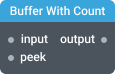
In-ports
input <any> — input events to buffer.
peek <any> — events to peek at the buffer.
config JSON (dynamic) — accepts a JSON object with configuration properties that can be set at runtime.
Out-ports
output <Array> — Outputs an array of buffered values.
Overview
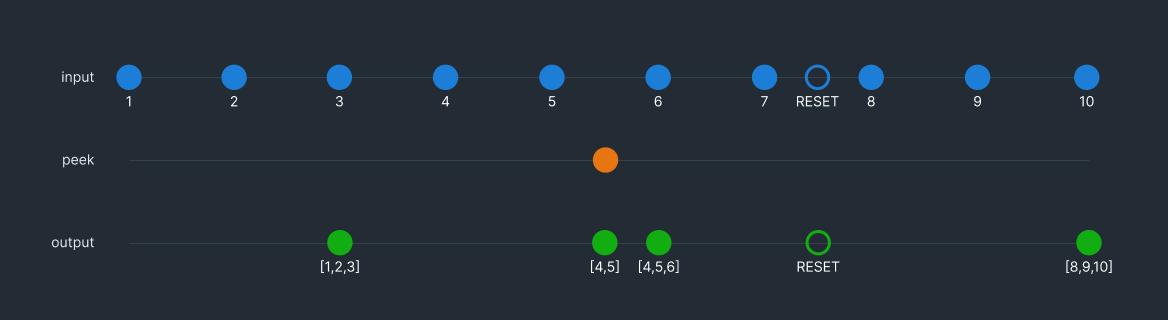
The Buffer With Count operator buffers all values from the input port and flushes the buffer every time the configured count of events is reached. You can also use the peek port to peek at the buffer without flushing it.
To reset the buffer without outputting its contents, send a RESET signal to the input port.
Example 1
In the following example the count attribute is set to 3.
Settings
Enable realtime config port
If this setting is enabled, the component can be configured through the config port. This port accepts a configuration object as input and allows you to set dynamic properties at runtime. Note that using this port does not cause the component to reinitialize, but it may cause some previous state of the component to be lost.
Count (count)
The maximum number of events that can be stored in the buffer before it is flushed.
Type: Number
Constraint: >= 1
Required: Yes